Vexel Playground
Vexel Playground
Vexel Playground
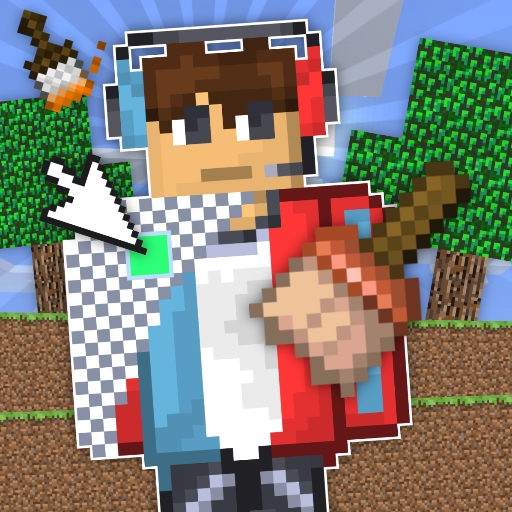
This game is a charming and relaxing experience for all ages. The pixel art coloring is intuitive, and the ability to change backgrounds adds variety. It's a great way to spark creativity without any stress, perfect for casual play.
Draw a Skin for Mineblock Physics Online Game is a creative and relaxing coloring experience where players can design unique skins for a blocky character. The core objective is to use pixel-based paints to color a light figure, either by matching a provided example or by letting your imagination guide you to create something entirely original. This game stands out for its combination of simple coloring mechanics with physics elements, making the process feel more dynamic and engaging. It is designed to be accessible to players of all ages, offering a safe and fun way to express creativity through digital art. The game is developed by JellyLab and is set to release in September 2025, running smoothly on web browsers across PC, mobile phones, and tablets using WebGL technology.
To play, start by looking at the light figure in the center of the screen. On the left side, you will find a palette of colors to choose from. On the right, a reference image shows what the hero should look like if you prefer to follow a guide. Click on a color from the left palette, then click on the pixel area of the figure you want to paint. The coloring is done with square pixels, making it easy to fill in details accurately. You can also change the background by clicking icons on the right, for example switching from a forest lawn to a night cemetery. After coloring, you can add emojis to the picture for extra fun. Use your imagination to create a unique hero or follow the example for a guided experience.
Creative pixel art coloring with physics elements that add a dynamic feel to the painting process. The game includes a variety of background options, such as forest lawns and night cemeteries, which can be changed by clicking icons. Players can also add emojis to their finished artwork for extra personalization. The game is designed for web browsers and is compatible with PC, mobile phones, and tablets, thanks to WebGL technology. It offers a safe, non-violent creative outlet suitable for all ages, with no complex controls or time limits, making it easy for anyone to pick up and play.
To get the best results, start by selecting a color palette that matches the reference image if you want to follow the example. Take your time to fill in each pixel carefully, as the square pixel design makes it easy to achieve neat and precise coloring. Experiment with different background options to see how they change the overall look of your character. Adding emojis can bring extra personality to your creation, so try placing them in different spots for fun effects. Most importantly, let your creativity guide you—there are no wrong choices in this relaxing game.